Prevent access to VBA editor
This is an additional security measure that will automatically close the VBA editor if the end user tries to open it. So, your VBA project remains inaccessible. This option is compatible with VBA password protection and our VBA compiler.
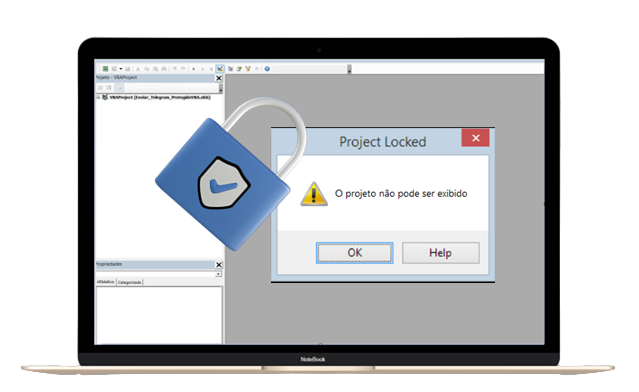

Protect your investment
All your projects locked, making it impossible to crack the VBA password
Easy Use
Very simple and intuitive. Just follow the step by step as shown in the video.
Unlimited Protection
Protect vba password of multiple projects. there is no limitation.
Open Code
The spreadsheet is open source for you to analyze and use as you wish.
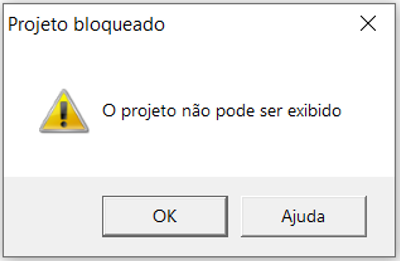
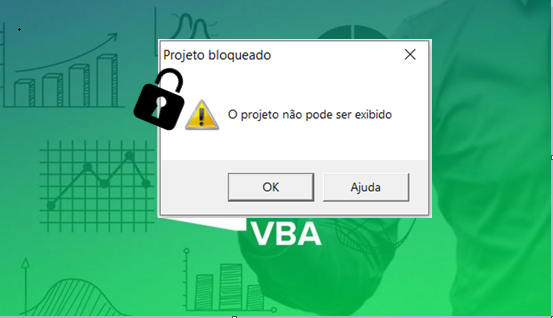
Unviewable VBA project
Option ‘Unviewable VBA code’ blocks access to the Excel VBA project and disables VBA debug and tracing mode
Protect your VBA code
By clicking the button, select a file. Make sure the file is not open. This will be the file for which you are protecting the VBA project. Then run the script. After the process is complete, you will be asked to give the file a new name. "You will find this new file in the same location as the spreadsheet."
VBA Password Protection
You've invested significant time and effort in the development of your VBA project.
Introducing the ultimate solution: our Advanced VBA Project Protection.Prevent Access to the VBA Editor
Enjoy security that will automatically lock the VBA editor if an end user attempts to open it. Your VBA project remains entirely inaccessible.This option seamlessly integrates with VBA password protection and our VBA compiler.
Key Features and Benefits:
Security: Our solution employs encryption to shield your VBA code from unauthorized access, ensuring the safety and confidentiality of your work.
Compatibility: Our solution is compatible with all popular versions of Microsoft Office applications, ensuring you can safeguard VBA projects in a variety of contexts.
Protect your investment, keep your intellectual property secure, and retain full control over your VBA project with our VBA Project Protection.
BUY NOW
Our Customers Say It Best
See what people think about the VBA Protection Tool…
“I've been hunting for something like this for a while now, and the cost-benefit balance aligns perfectly with my expectations. Finally, I can efficiently oversee and structure my projects.”

“Incredibly user-friendly, straightforward, and practical. As an Excel VBA project developer, using this tool makes me more comfortable when sharing my projects.”

Matheus Oliveira
Operational planning“I work as a developer at my company, and I feel much more comfortable sharing my internal projects. I've come across some expensive tools, but this one is the best. It's incredibly user-friendly.”
